

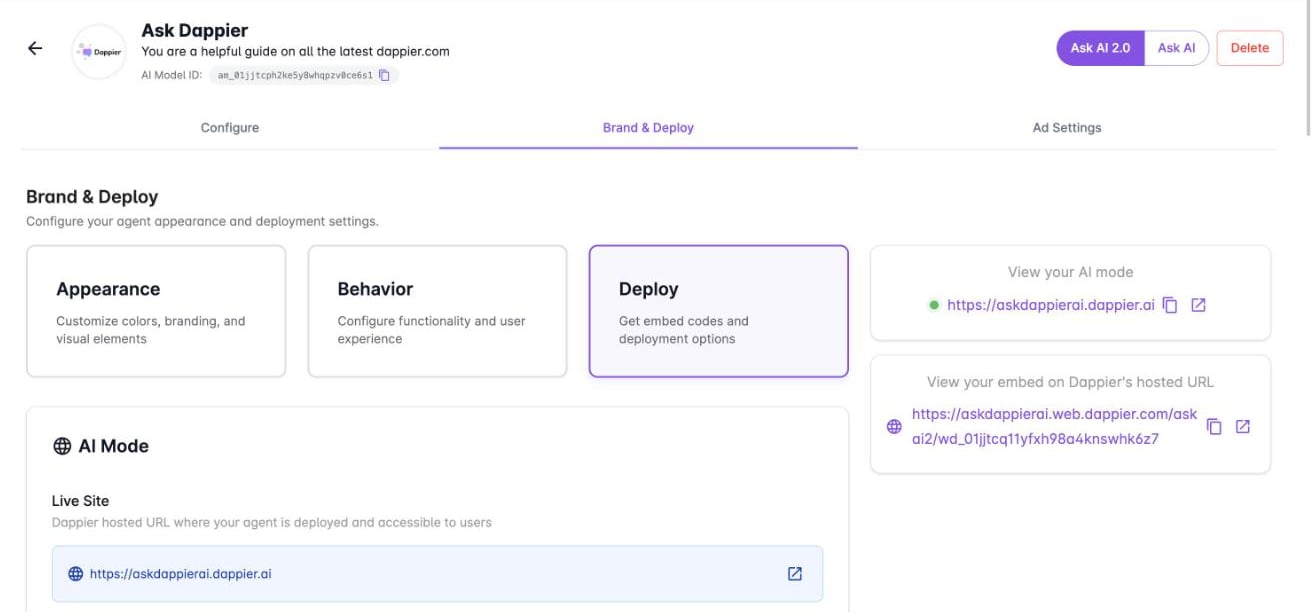
AI Mode
AI Mode is a hosted answer page for your agent.Embed Ask AI
Use an embed to place Ask AI inside your own pages.Configure the embed
Select Update Agent to save.
Choose a placement
A placement is a deployment configuration for a specific location or use case of your agent. Under Placement, select an existing placement or create a new one.Add the code to your site
The Deploy section generates both snippets with your widget ID filled in. Copy them from the platform.1
Add the script to the head tag
This script loads the Dappier widget on your page.
2
Add the widget tag to the body
Place this tag wherever you want the widget to appear within the
<body> of your HTML document.wd_.
Related
Customize Ask AI
Set welcome text, branding, and behavior, including dockable mode.
Create your AI agent
Connect content and set the agent’s persona.